The name stays the same. The operational role changes. Teamwire covers both.
In Teamwire, operational roles supplement a user’s name with what really matters on the job or in day-to-day work: their current responsibilities. Visible to everyone, easily customisable, and seamlessly transferable. No administrator required.
Four benefits. One concept. Unique worldwide.
No other collaboration tool maps operational roles as precisely as Teamwire. Transparent, flexible and directly applicable. Designed for any organisation where responsibilities change regularly.
Operational roles that everyone can see
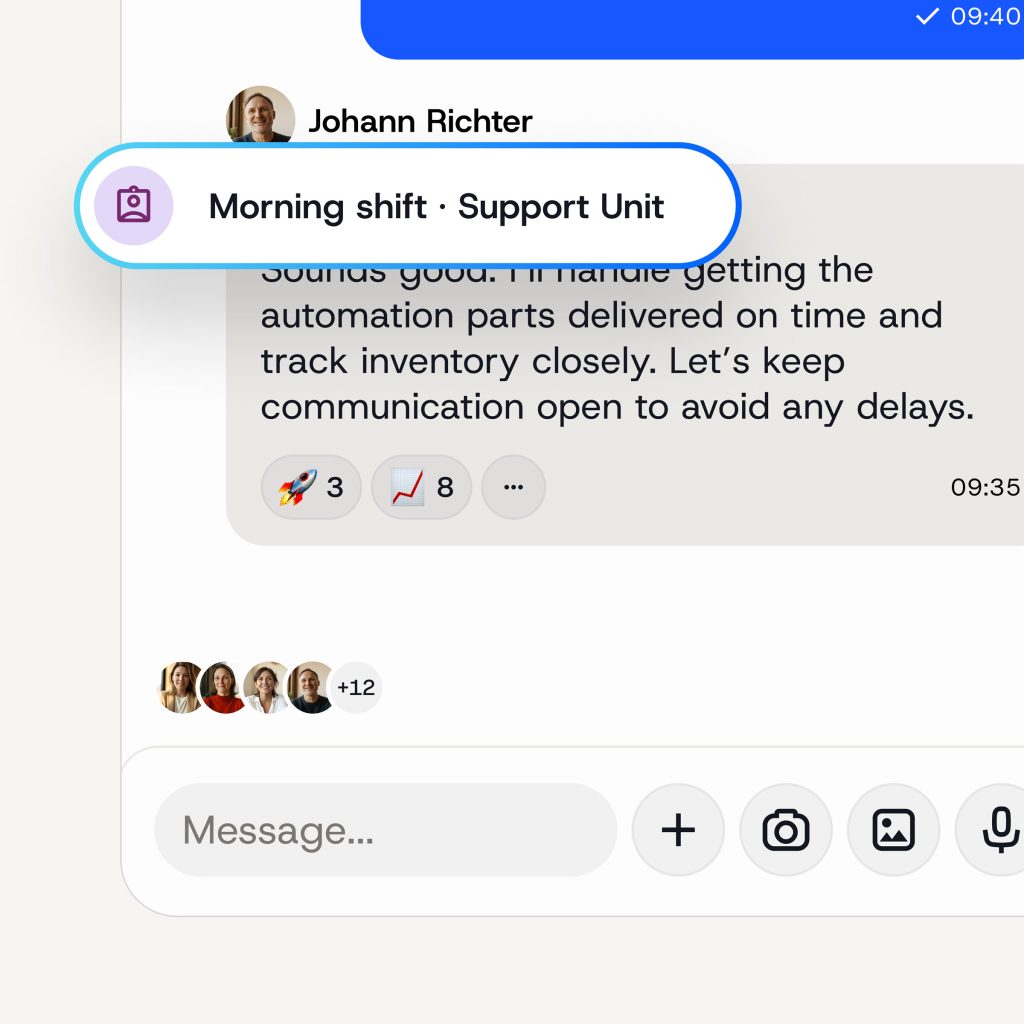
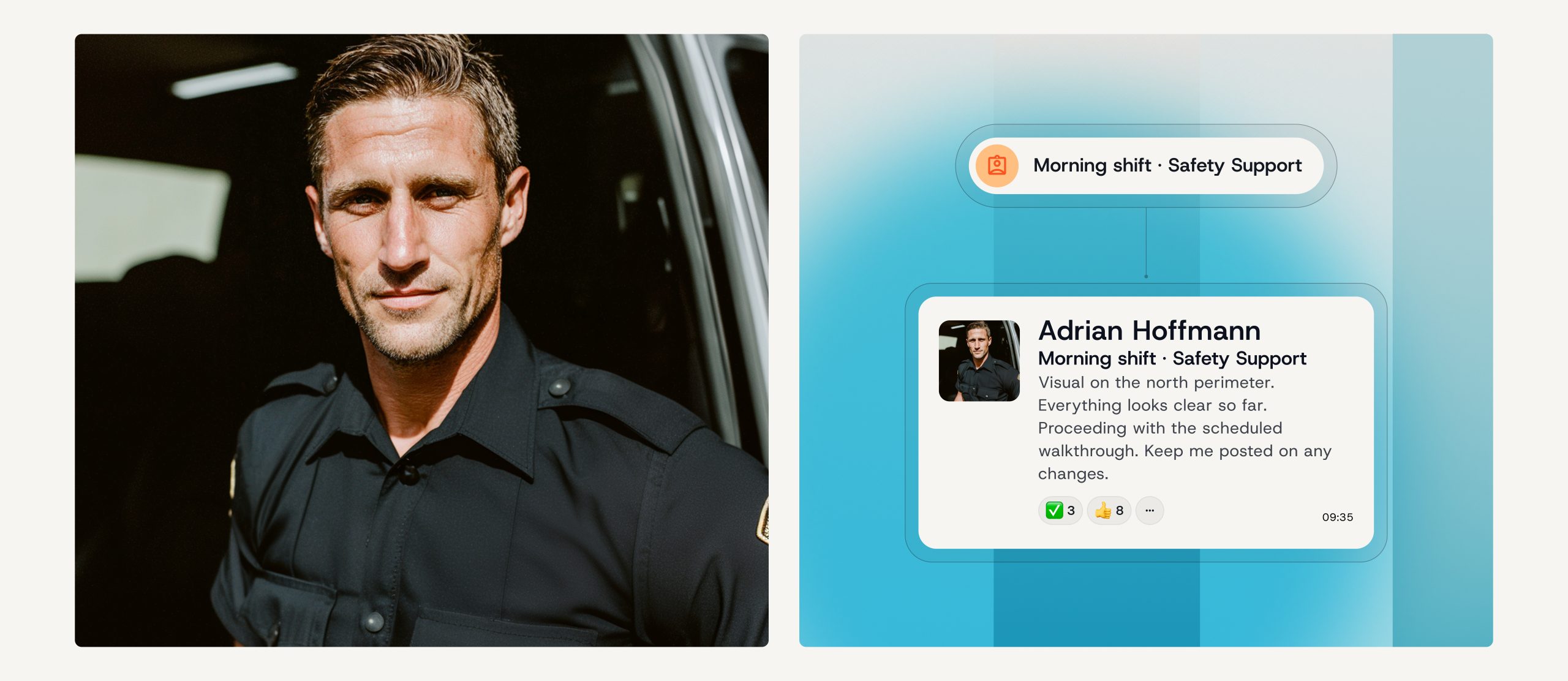
In Teamwire, every employee can take on an operational role in addition to their name. This role is visible in chat, profiles, the directory, and on the map. It is immediately clear to everyone who is communicating in which capacity.
Accepting, changing and combining roles
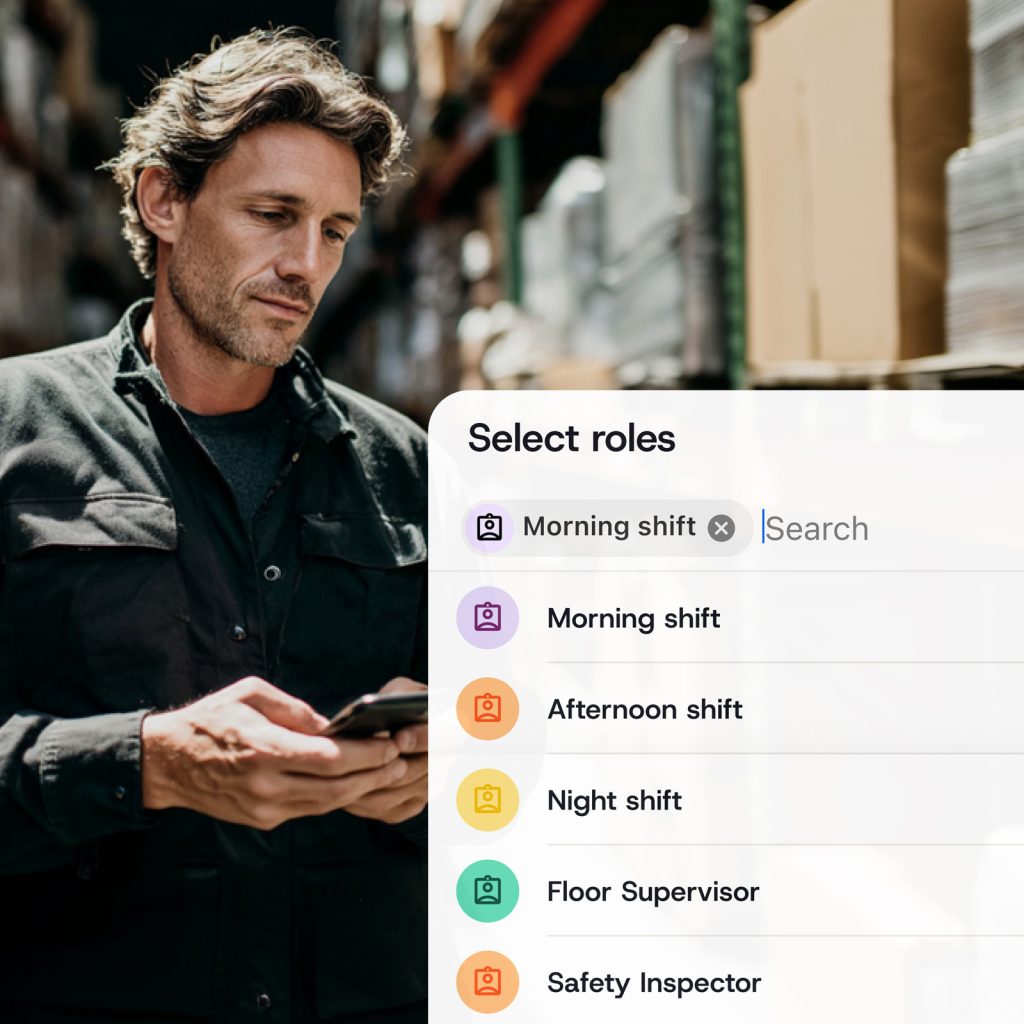
Operational responsibilities change – sometimes even by the hour. In Teamwire, everyone can take on a role themselves, step out of it, or hold up to three roles at the same time. No administrator. No hassle. Simply take on a role and step out of it again.
Communication that continues
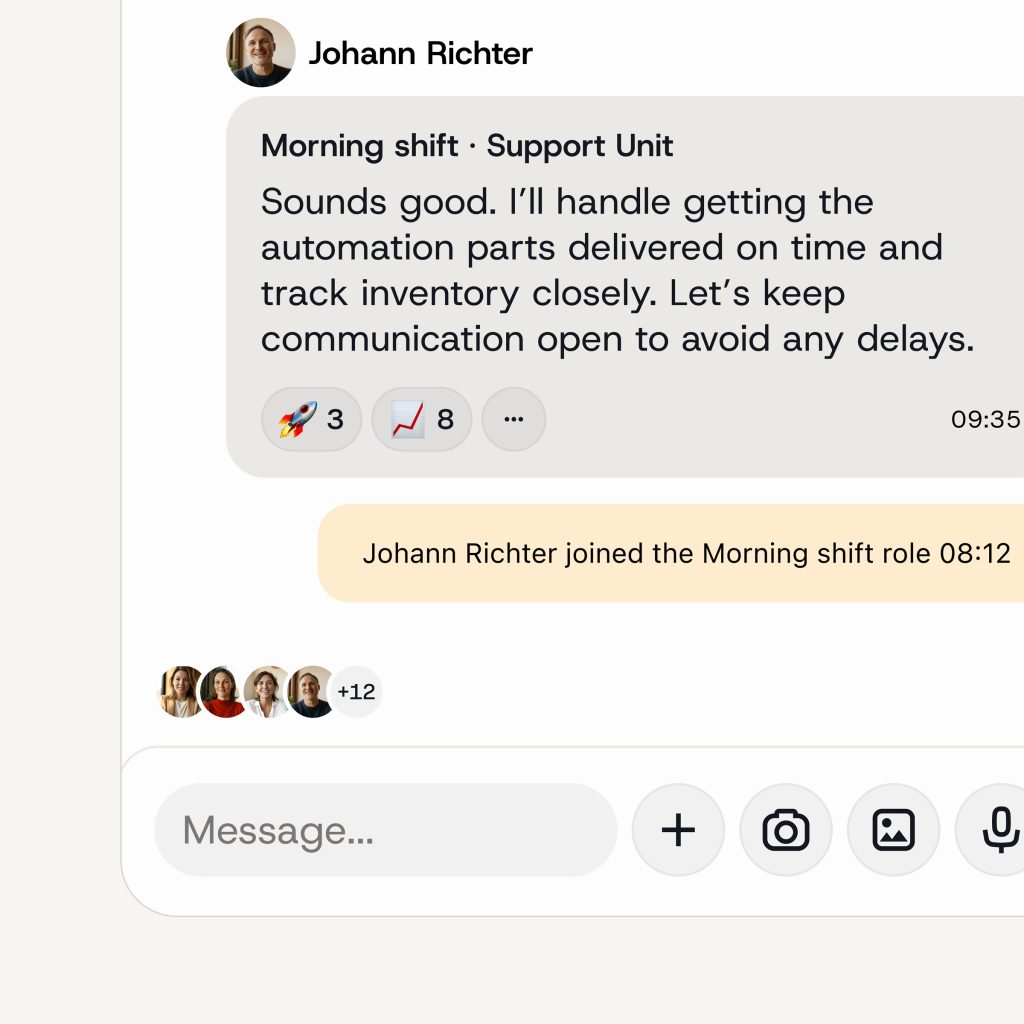
When a role is taken on, communication continues seamlessly and is automatically handed over. The next person can see the full chat history, the context and the background. This creates an audit-proof record of who communicated what, when, and in which role.
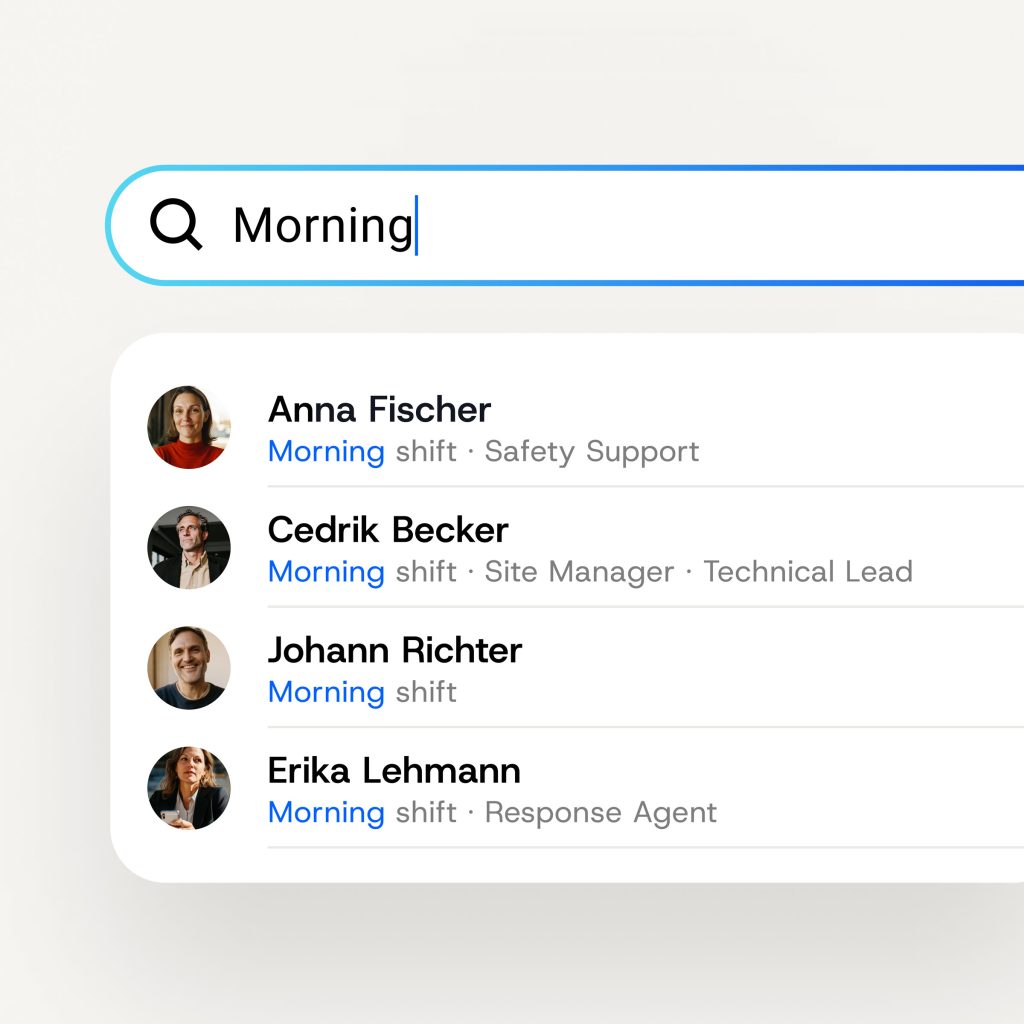
Reach the right person, without knowing the name
You don’t always know who currently holds a particular role. In Teamwire, that’s no problem: simply type the role or add it to the chat, and the message will automatically be sent to the employee currently holding that role. No searching. No asking around. Always reach the right person.
One working day. Three roles. Zero effort.
Markus Bauer is a police officer. That’s how his name appears in the messaging app used by the police. But his name alone doesn’t tell anyone what he’s doing at the moment or who he’s working with.
other apps
Without Teamwire roles
Markus Bauer’s name is Markus Bauer. His colleagues and superiors know this, of course.
But someone has to manually coordinate who is currently manning Police Patrol 3, who is on desk duty, and who is taking over the next shift.
This means:
- Refresh chats or circles.
- Create new chats.
- Provide context.
- Handover at the end of the shift.
Time and time again. Every shift. Every assignment.
teamwire
Using Teamwire roles
Markus Bauer starts his shift and assumes the role of "Police Patrol 3" in Teamwire. From that moment on, everyone in the organisation knows who he is – not just as a person, but also as an operational unit. In the chat, in the directory, on the map.
He is called to the police station at short notice to assist a colleague in the office. He takes on a second role without stepping out of the first. Both roles are visible. Both chats continue.
End of shift. He hands over the case. His colleague Jana Schmidt takes over "Police Patrol 3" and immediately spots all the key details: the chat history, the context, the outstanding issues. Communication continues seamlessly. As if there had never been a break.
Responsibility follows the role – not the name
Names stay the same. Roles change. Teamwire captures both.
Traditional messaging apps have one drawback
In traditional messaging apps and other tools, identity is always linked to a specific person and therefore to their first and last names. This is sufficient for many everyday situations. But not for organisations, where it is not just a question of who someone is, but also of what they are currently doing. Responsibilities change, and with them, who needs to communicate with whom.
Responsibilities in day-to-day work and on the job must be clearly defined
Responsibilities within organisations often change with the shift. Furthermore, a police officer on patrol is responsible for different matters than the same officer on desk duty. A maintenance technician on the night shift has different responsibilities than the following morning – and may also be part of an on-call team. A nurse on Ward 3 takes on a colleague’s duties at lunchtime. Two roles, two sets of responsibilities. At the same time.
The solution: Teamwire
Teamwire solves this with a concept that is unique worldwide: operational roles as a second identity. A role is not a permanent assignment, but a temporary function. In addition to their personal name, every employee in Teamwire can adopt the role they are currently performing. Visible to everyone. Adjustable at any time. And when the role is handed over, communication continues seamlessly.
How does Teamwire make your day-to-day work easier? Find out now and book your personal demo.
How it works: Teamwire’s role concept explained step by step
Once set up, the role concept runs entirely automatically.
The administrator creates the roles
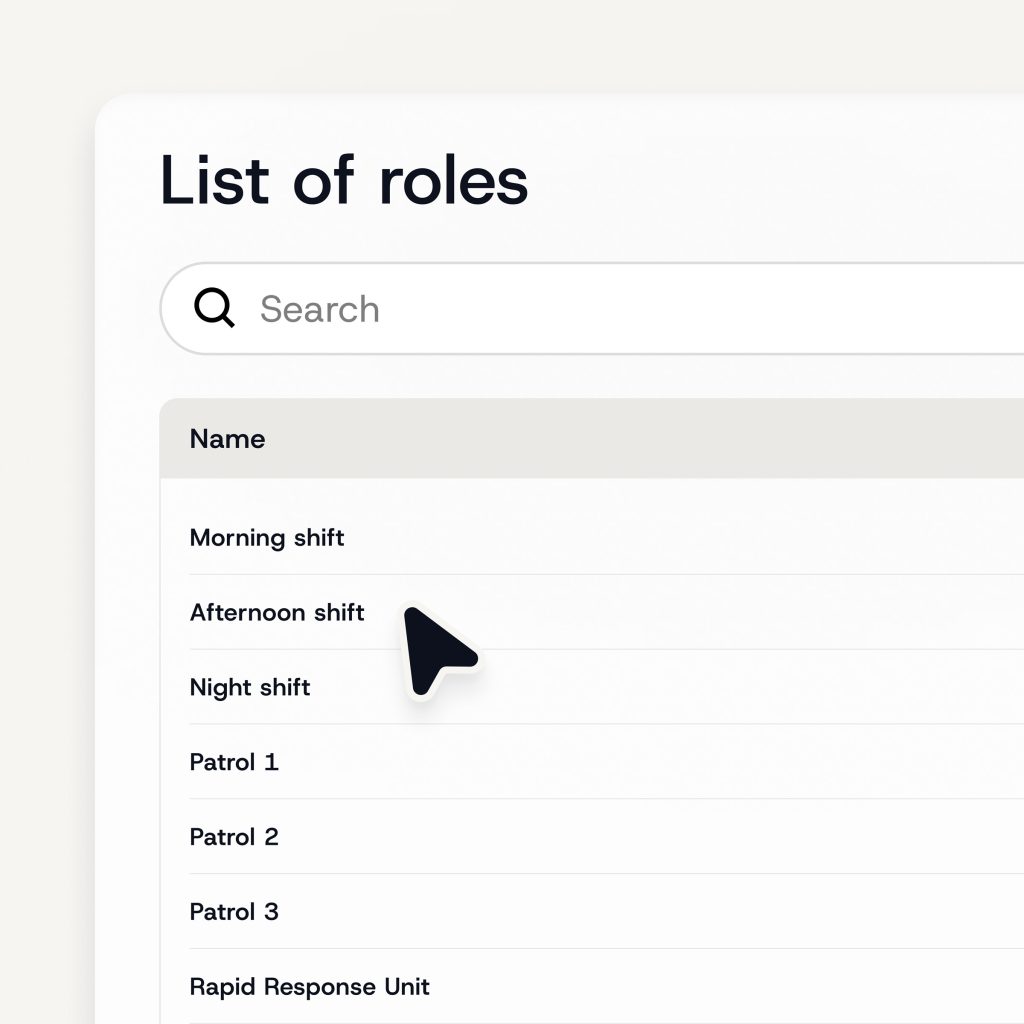
In the Teamwire dashboard, the admin sets up all the organisation’s operational roles once – for example, Police Patrol 3, Early Shift A, Maintenance Team North, Surgery – Ward 1 or Rapid Response Unit. Up to 30,000 roles are possible. Roles can be public or restricted to specific staff members.
Employees choose their own roles
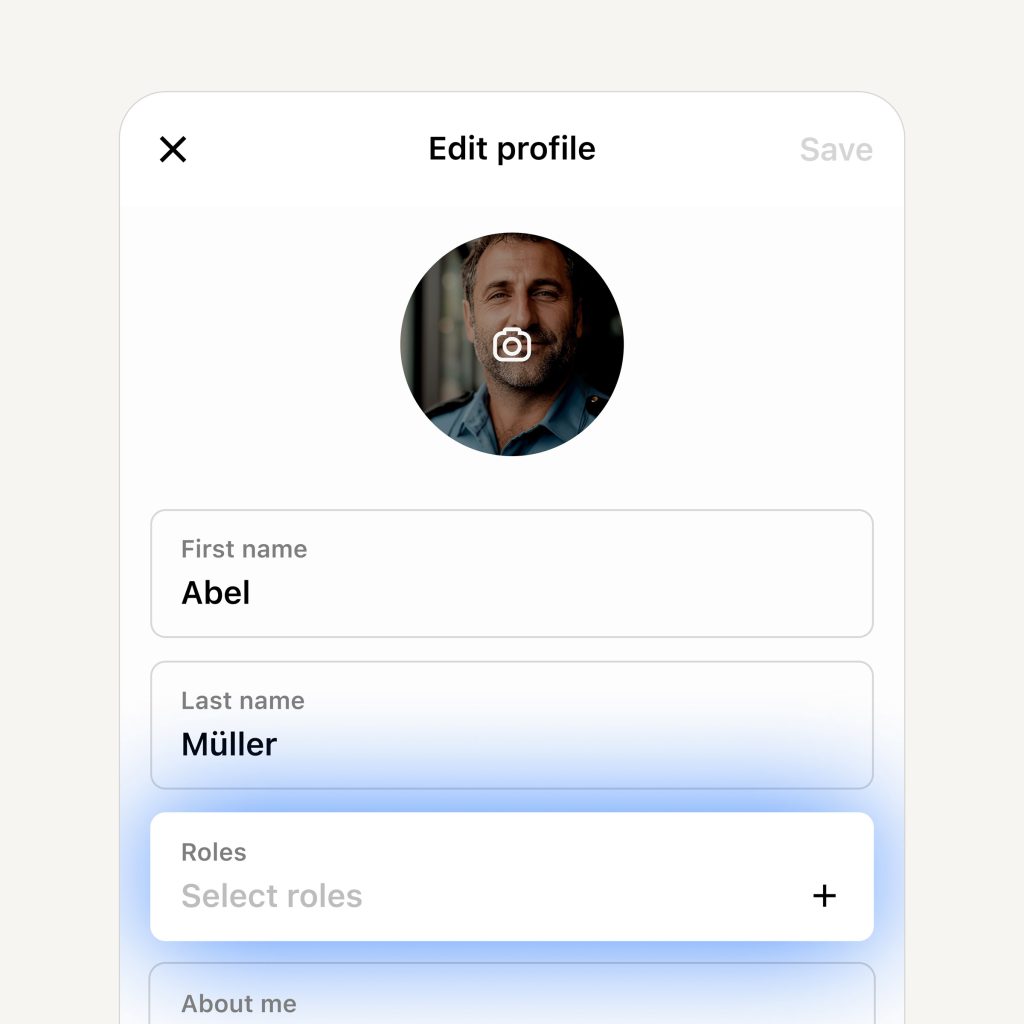
In the Teamwire app, each employee can select his own operational role via the profile section. This can be done at any time without requiring admin approval. You can hold up to three roles simultaneously. Optionally, the admin can set up reminders – upon each login or after a certain number of hours – to ensure that roles are updated regularly. This ensures that the system is always up to date.
Chats refresh automatically
As soon as an employee joins a role, they are automatically added to all group chats associated with that role. If they leave the role, they are automatically removed. No manual updates required. No outdated distribution lists.
The role is visible everywhere
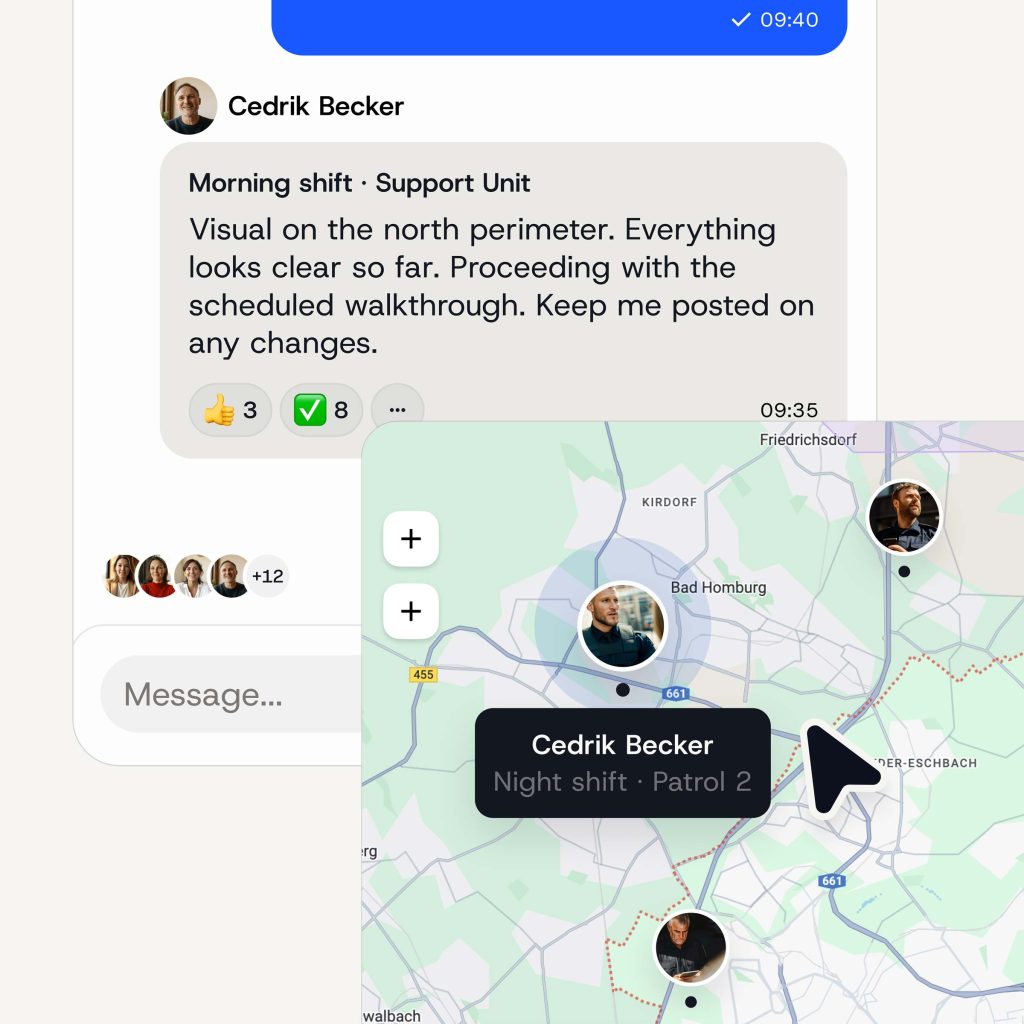
Once a role has been accepted, it appears throughout the app: in the chat, on the profile, in the directory and on the live location map. Everyone can immediately see who is communicating and in what capacity.
Roles are handed over, and communication continues
When a role is handed over, the next person can take over seamlessly. The full chat history is retained – including a record of who communicated in which role and when. Audit-proof and no information loss.
One role. Visible everywhere.
The Teamwire role concept is not a standalone feature; it runs throughout the entire application. Wherever communication takes place, the operational role is visible.
In the profile
Each employee can see their own roles in their profile. A person can hold up to three roles at the same time. Other team members can see these roles when they open a contact’s profile, providing an immediate overview of who is currently active in which role.
In the directory
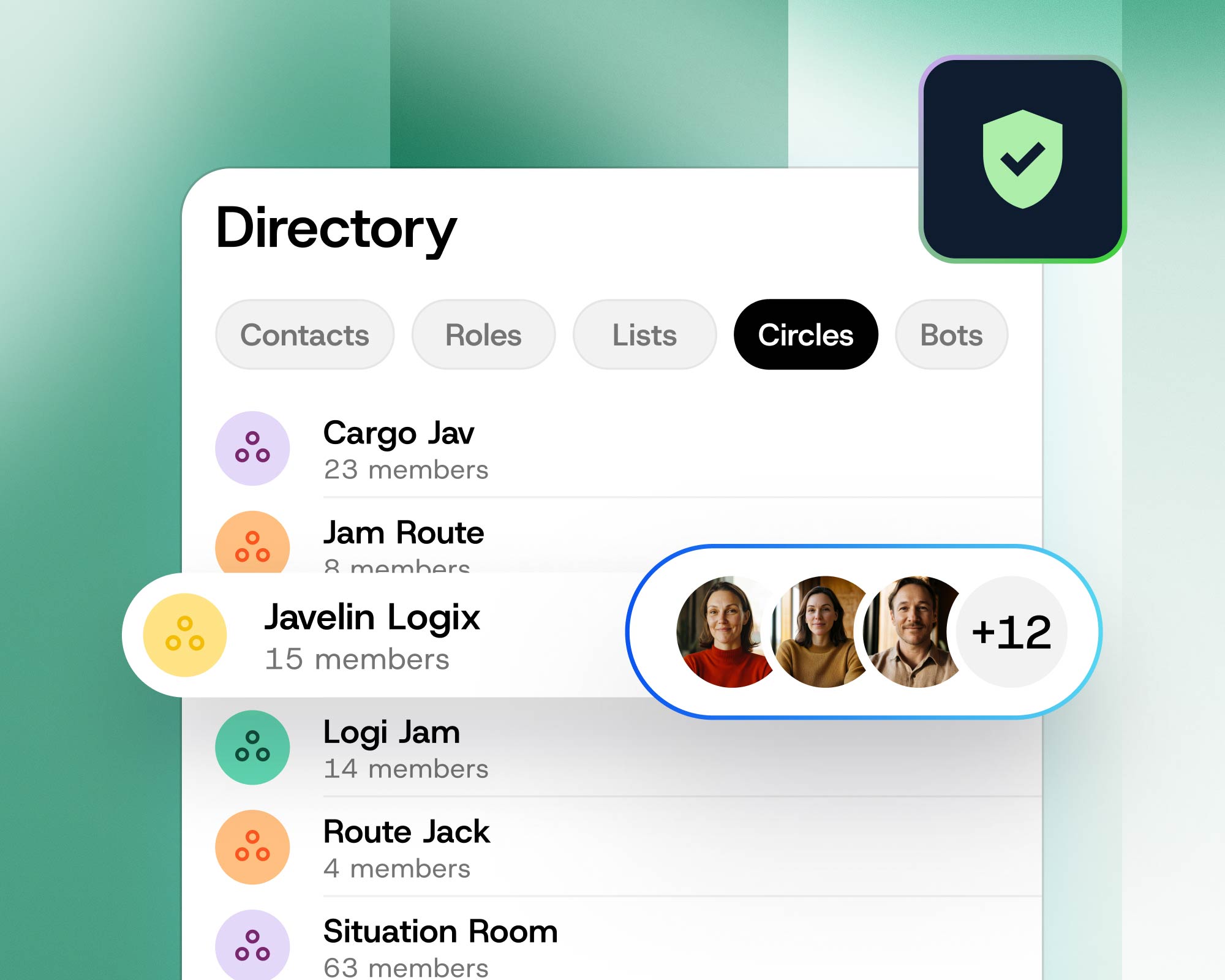
All available roles within the organisation can be viewed in the directory. Staff can see at a glance who currently holds which role.
In the group chat
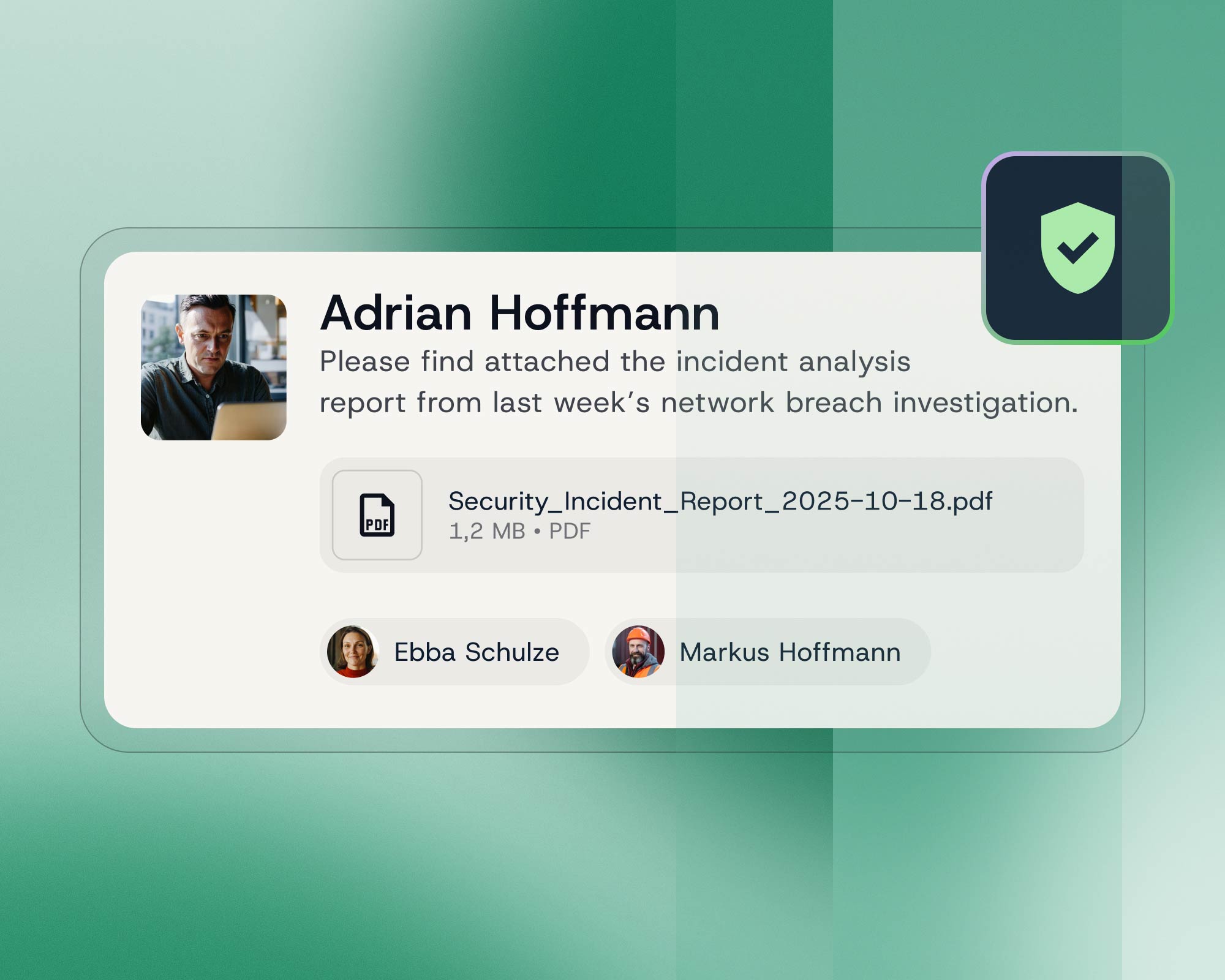
When creating a new chat, it’s just as easy to add roles as it is to add individual contacts. Each message shows the role the sender had at the time it was sent – even if that role changes later.
In the live location view
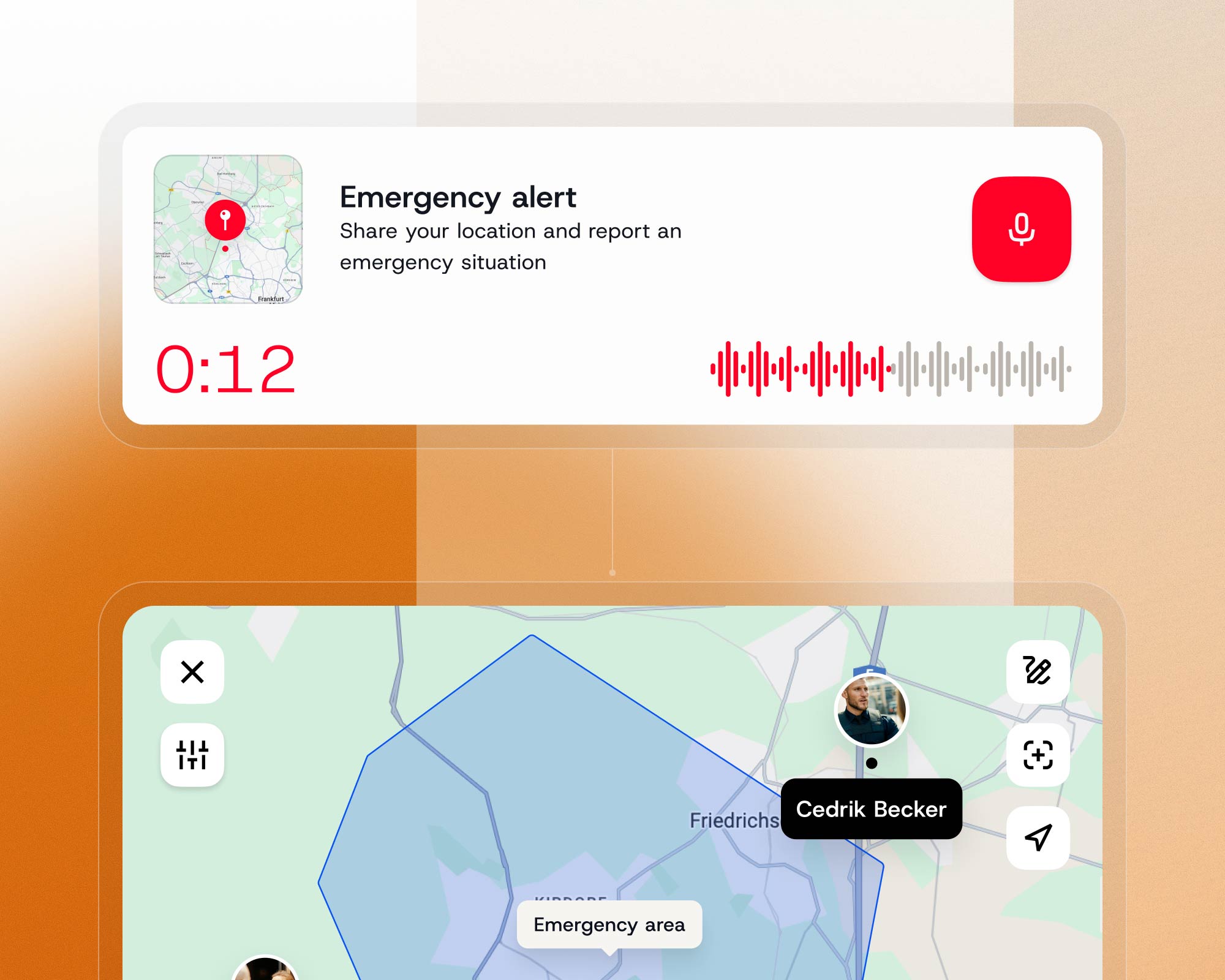
Who is currently sharing their location, and in what capacity? Teamwire displays both directly on the map. Ideal for coordinated police or fire service operations, as well as for field staff.
Who is the role-based approach designed for?
The dynamic Teamwire role concept really comes into its own wherever people work in varying roles and operational responsibilities are reassigned daily.
Public Safety
Police patrols, response teams, and on-call services – in public safety, the operational role is often more important than the title. Teamwire makes it clear who is communicating and in what capacity.
Critical Infrastructure
Maintenance teams, on-call staff and lone workers switch between different responsibilities depending on the task at hand. Teamwire ensures that everyone can be reached in the right chat at all times.
Health
Ward teams, on-call rota groups, interdisciplinary teams: in the healthcare sector, operational responsibilities often change with every rota. Teamwire ensures that everyone knows who is currently taking on which role.
Government & Public Sector
Project groups, cross-departmental teams and temporary task forces, whose composition changes depending on the remit and responsibilities – Teamwire maps this out in real time.
Security services, facility management & logistics
Site teams, patrols, shift groups in warehousing and production: wherever teams are put together on the fly, and roles change from day to day, Teamwire brings clarity.
Discover more Teamwire use cases
From routine workflows to mission-critical operations: explore how Teamwire supports teams with secure, GDPR-compliant communication and powerful features tailored to their needs.
Frequently asked questions (FAQs)
What is the Teamwire role concept?
The role concept allows operational responsibilities to be represented as a secondary identity within Teamwire. In addition to their personal name, each employee displays the role they are currently working in – visible in chat, on their profile, in the directory and on the map. Roles can be accepted, changed and passed on at any time.
What is the difference between an operational role and a department or team?
A department or team is a permanent organisational unit – it rarely changes. An operational role is a temporary function that someone takes on for a specific assignment, shift or task. The same person may take on several roles during the course of a working day and step out of them once the assignment is over.
Are there any similar solutions on the market?
No. Teamwire’s role concept is currently unique worldwide. Other messaging apps allow users, at best, to display a static role or function in their profile. What Teamwire offers – the ability to accept, switch, combine, transfer and document roles in an audit-proof manner – is not available in any other communication solution.
Can staff change their role at any time?
Yes. Employees can adjust their operational role at any time via their profile section in the Teamwire app. No administrator approval is required. Up to three roles can be held simultaneously. Optionally, the admin can set up reminders to prompt employees to update their roles regularly.
What is the difference between roles and circles in Teamwire?
Circles are designed for permanent teams and fixed departments – the administrator manages the members centrally. Roles, on the other hand, represent operational responsibilities that may change on a daily or hourly basis. Employees join and leave roles themselves. Roles are also visible in the user profile, in message bubbles and in the live location view.
How many roles can an organisation create in Teamwire?
An organisation can create up to 30,000 different roles. Roles can be created individually or in large numbers via CSV import. Each employee can hold up to three roles at any one time.
What happens to the chat history when a role is handed over?
The full chat history is retained. Whoever takes over the role can immediately see the full context: all messages and all outstanding issues. In addition, Teamwire provides an audit-proof record of who communicated in which role and when. Communication continues seamlessly, with no loss of information.
Is the role concept suitable for shift work?
Yes – but it goes far beyond that. The role-based concept is not limited to shift changes. It is suitable for any situation in which operational responsibilities change: operations, project teams, on-call duties, and special assignments. Shift changes are a specific use case – but just one of many.
For which sectors is the Teamwire role concept suitable?
The role-based approach is suitable for all organisations in which staff work in a variety of roles: public safety, critical infrastructure, government agencies and the public sector, the healthcare sector, as well as security services, facility management and logistics.
Is the role concept GDPR-compliant?
Yes. Like all Teamwire features, the role-based system complies with GDPR requirements. All data is transmitted and stored in fully encrypted form. Information about which members belong to which roles is visible only to members of the same organisation.
Can the administrator restrict access to specific roles?
Yes. Roles are public by default. Any member of staff within the organisation can join them. However, the administrator can restrict individual roles to specific staff members. These roles remain visible in the directory, but membership must be approved by the administrator.
How does Teamwire differ from a traditional corporate messaging service?
Teamwire has been specifically developed for businesses, public authorities and organisations with high security requirements – it is not a consumer product being used for professional purposes. Features such as the role-based system, live location tracking and the Track Board are not available on WhatsApp and similar platforms. In addition, it offers full GDPR compliance, state-of-the-art encryption, a zero-trust approach and flexible hosting options.
All features at a glance: Discover Teamwire